

Your work powers the university. DTS delivers the digital foundation that keeps it running smoothly—modern tools, simplified systems, and secure infrastructure designed to support your day-to-day.
Whether you're managing teams, improving services, or supporting operations, our goal is to remove friction and help you focus on what really matters: driving UCLA’s mission forward.
FlexWork
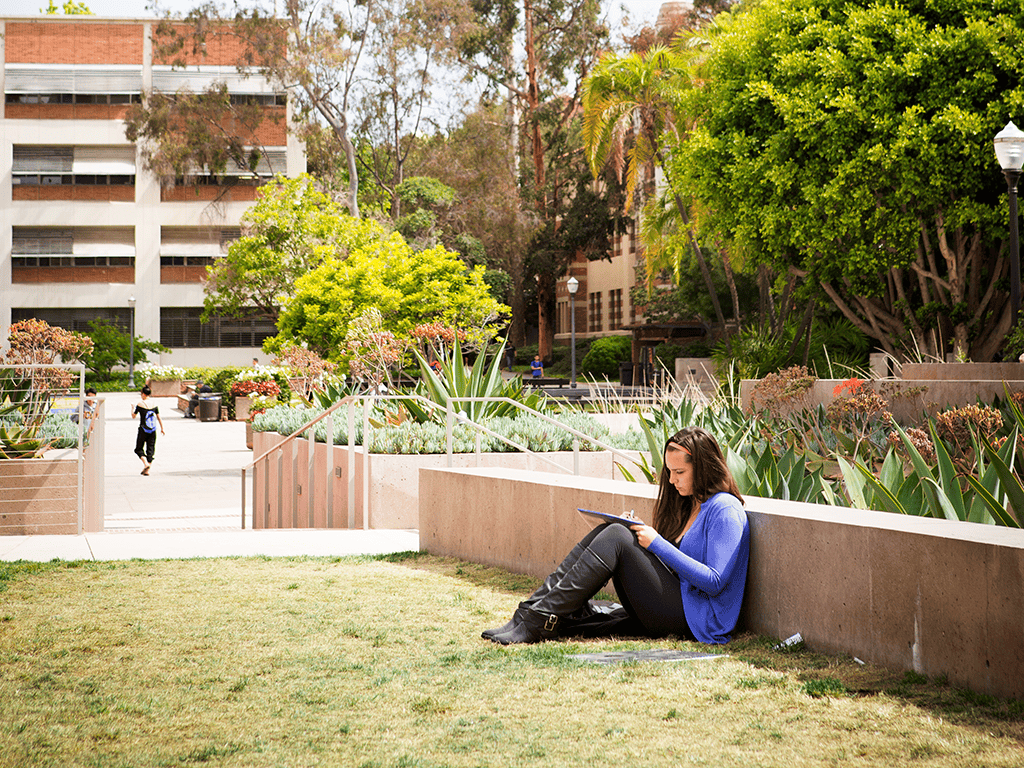
Tools to facilitate FlexWork
Resources

Helpful tips and information
Hardware / Software
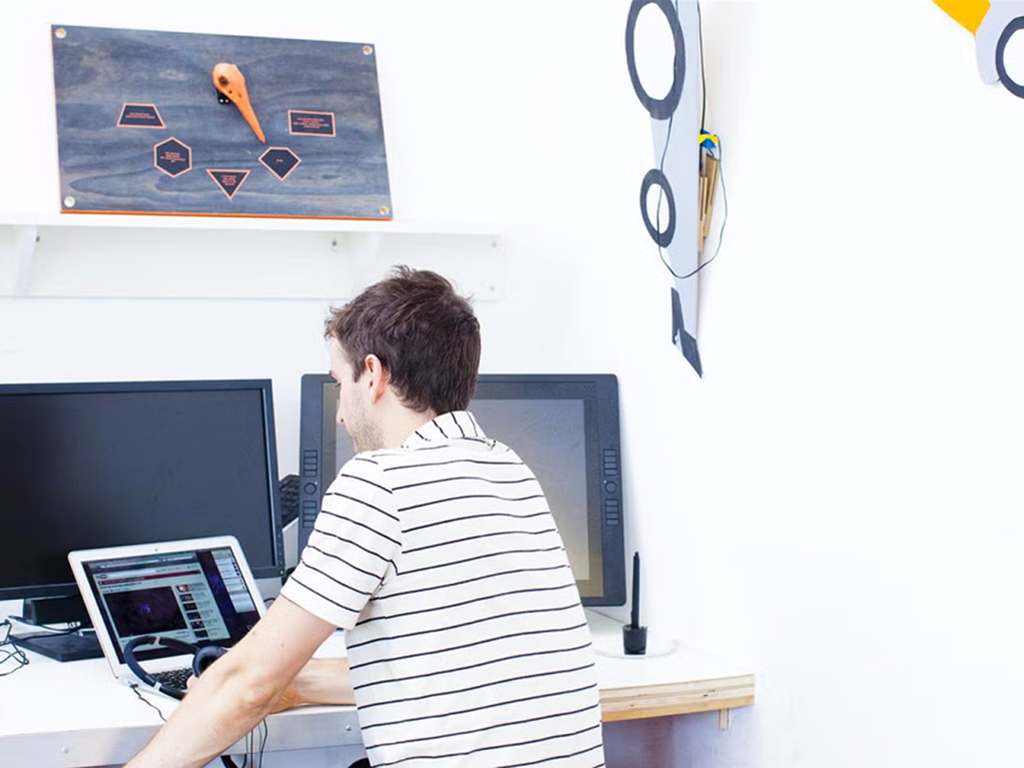
Find the devices and apps you need
Digital Accessibility
If you own or manage a website, application, document, or technology purchase for your unit, digital accessibility requirements apply to your work. UCLA’s compliance date is April 26, 2027. Here’s where to start.
- Get Started with SiteImprove — Free automated accessibility scanning for any UCLA website, with prioritized issue tracking.
- Document Accessibility Resources — Fix PDFs, Word files, and presentations before they go out — most of the tools are free.
- Accessible Web & Content Practices — UCOP’s practical guides for website owners and anyone creating content — alt text, heading structure, link language, and more, vetted systemwide so you’re not building it from scratch.
- Captions for a Live or Recorded Event — These have different requirements and different tools — check here before you book a service.
- Buying Accessible Software — What to check (VPATs, ACRs) before your unit purchases or licenses a new tool. UCOP’s procurement accessibility questionnaire and supplier demo guide give you the actual questions to put in front of a vendor. If your product’s already going through review, the TPRM team (grc@ucla.edu) can tell you what’s on file.
- Request a Reasonable Accommodation (IRM) — UCLA staff can submit this form or call (310) 794-6948 for a workplace accommodation, including inaccessible technology.
- Digital Accessibility Overview — Full guidance on what’s required, deadlines, and the campus exception process.